
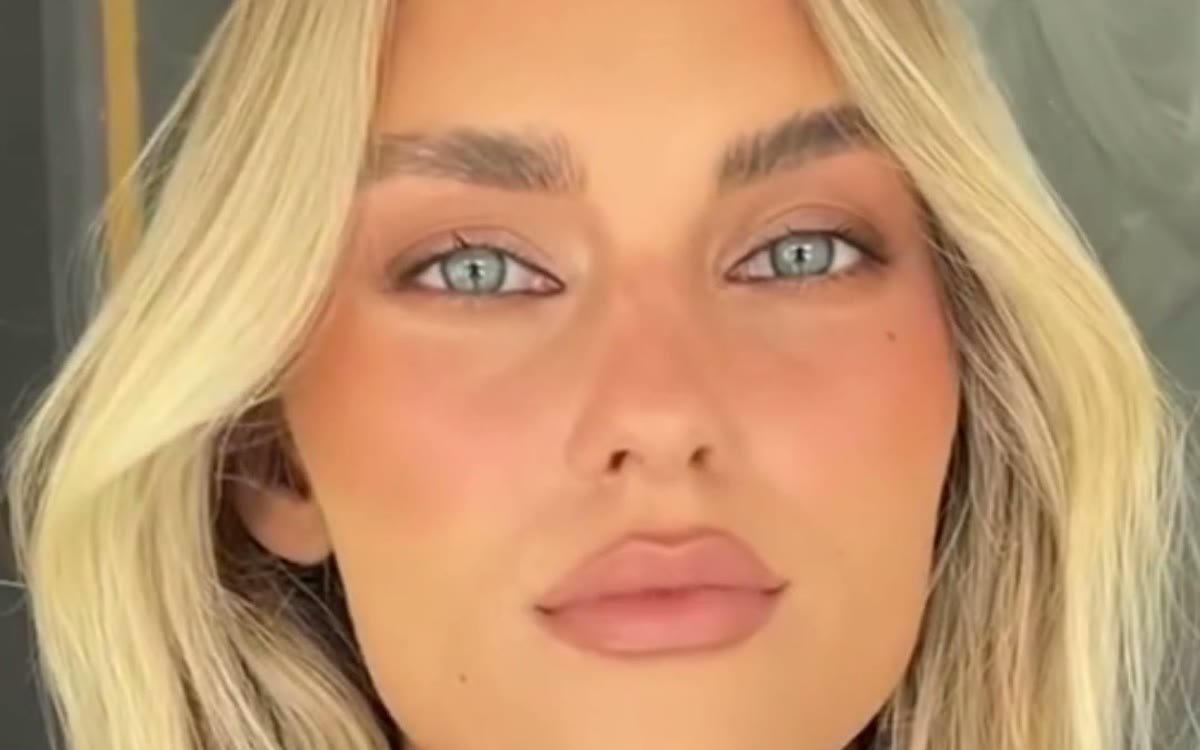
 AI Avatars
 AI UGC Avatars: How To Use Them Without Looking Fake
AI UGC avatars — digital presenters that talk to the camera like a real creator — are one of the biggest changes in ad production. They let you test a new script in an afternoon instead of waiting a week for a shoot. But there’s a catch: the moment a viewer thinks “that’s AI”, trust drops and they scroll on. Here’s how to use AI avatars so they help your ads instead of hurting them.
When AI avatars make sense
- Script and hook testing. You want to know which angle works before you pay a real creator to film it. Ten avatar versions can tell you which message to scale.
- Multiple languages. One script, many markets. An avatar can deliver the same message in German, French or Spanish without casting new people.
- Explainers and app demos. For software, apps and services, a presenter walking through features works well, and viewers expect a cleaner look.
- Fast seasonal updates. New offer, new price, Black Friday deadline — swap the line, regenerate, done.
When to use a real creator instead
If the ad depends on showing a real result on a real body — skin, hair, teeth, weight, pain relief — use a real person. An AI face “showing” results is both unconvincing and risky. Read our guide AI Video Ads Vs. Real UGC for a quick decision checklist.
7 ways to keep an AI avatar natural
- Write like people talk. Short sentences, contractions, a little hesitation. “Okay so I didn’t expect this to work” sounds human. “This revolutionary product delivers exceptional results” sounds like an ad — and like AI.
- Keep shots short. Long, unbroken talking shots expose small glitches. Cut every two to four seconds, the way real creators edit their own videos.
- Mix in real B-roll. Cut away to real footage of the product being used: hands opening the box, pouring, applying. The avatar delivers the message, the real footage delivers the proof.
- Choose a casual setting. A kitchen, a car, a bedroom with soft daylight. Studio-perfect backgrounds make avatars look even more artificial.
- Pick a matching voice. The voice has to fit the face, age and accent. A mismatch is the fastest way to lose trust. Native-sounding voices matter even more in non-English markets.
- Add natural captions. Word-by-word captions in the creator style draw the eye to the text instead of the mouth, which hides small lip-sync issues.
- Test on real people first. Show the ad to a few people who don’t know it’s AI. If anyone says “something’s off”, fix it before spending budget.
Stay honest
Don’t present an AI avatar as a real customer with a real personal story, and never use AI to show results the product can’t achieve. Platforms are adding labels and rules for AI-generated content, so check our guide to the Meta and TikTok rules before launching. Being upfront protects both your ad account and your brand.
How we use avatars at EcomSharks
We rarely run a pure avatar ad. Our favourite structure is a real or AI presenter for the hook, real product footage for the demo, and AI-generated scenes for the lifestyle shots — then a clear call to action. It keeps production fast while the ad still feels like a real recommendation.
See examples in our AI ads portfolio, or ask for a quote on AI video ads for your product.